NDI Input
For high reliability and production, you might want to separate the main presentation machine from the computer capturing slides for Sermon Slides.
You can also use this to send images from a camera, switcher, or other feed. The possibilities are endless!
Sender setup
First, you need to ensure your NDI output is running. Shown here is an output of ProPresenter. But it can be any existing NDI source on your network.
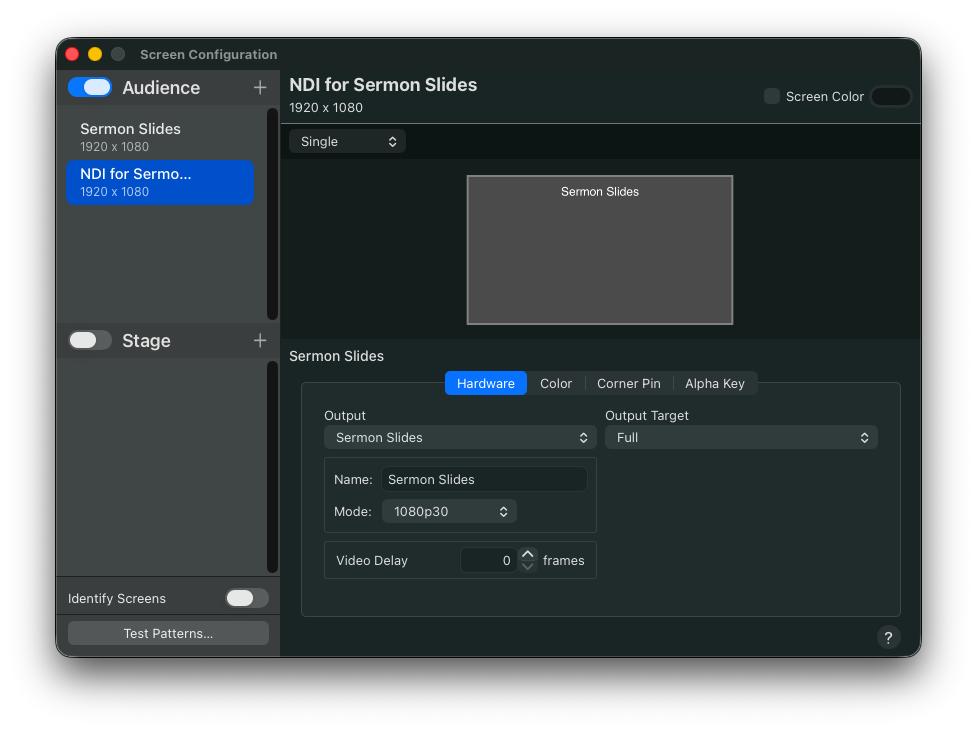
As long as you disable wifi, on the receiving machine (with the Slide Capture App), NDI should provide a very reliable way of sending the slides over a Gigabit network.
I recommend setting the video to 1080p or 720p, but the frame rate at 30 or lower. The more frames you send per second, the more the encoder/decoder works, raising your CPU usage.
Optional transparency setup
In ProPresenter, you may want to check the Alpha Key tab and set it to Premultiplied. This will help if you choose “Auto Crop” in Slide Capture. With those enabled, you can send lowerthirds, side graphics, or other shapes cropped to only the useful part, making them much prettier for sharing and note taking.
For Proclaim, New Blue, Chyron Live, or others, these options should be set the same in the relevant output configurations.
Receiving in Slide Capture
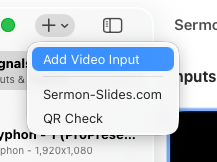
- In Slide Capture, click the
+icon, and selectAdd Video Input. - From the next screen, select the
NDItab, and choose the screen you setup on the other machine - Now, you can create a new
Sermon-Slides.comdestination, and choose this input!
Changing over
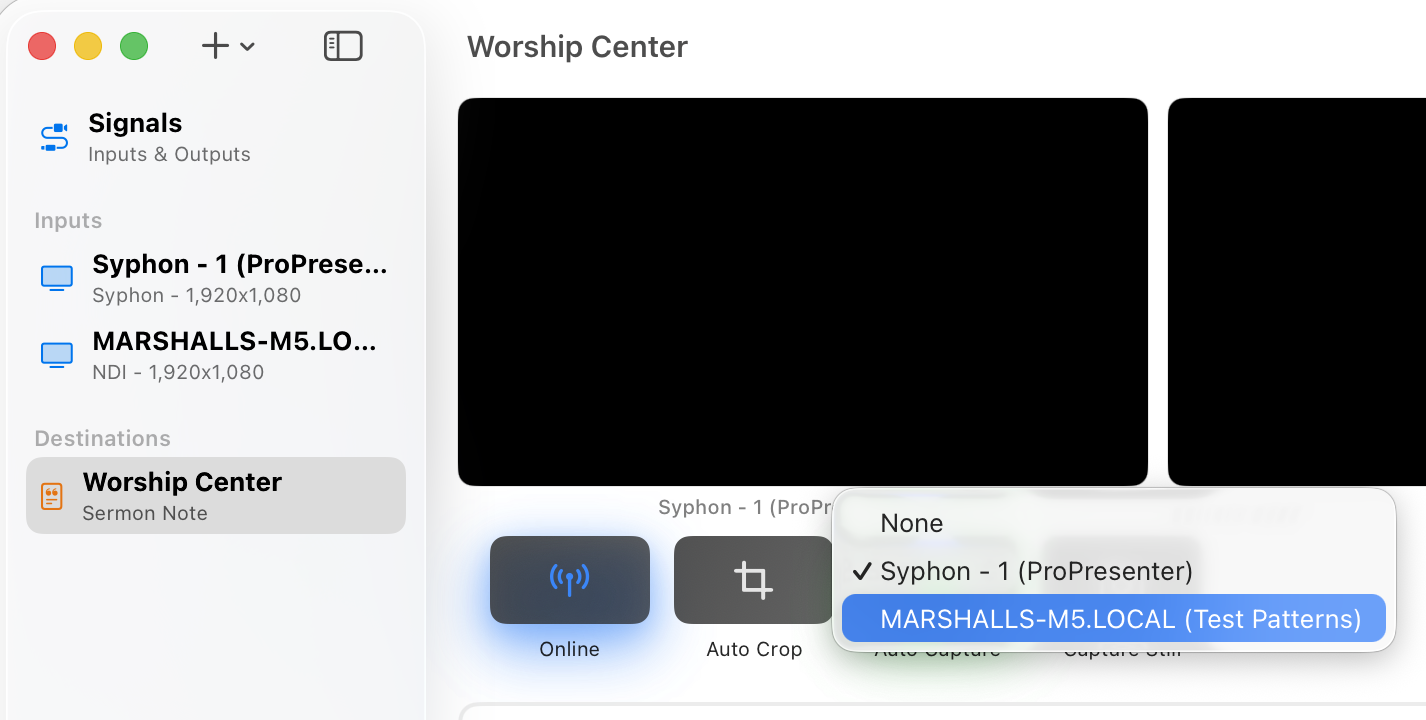
If you already are setup, you can change to use this new input by just changing the destination’s input settings.
You can also create a second destination that sends to the same Sermon Slides place, if you want both to be able to send interchangeably.
More on the way
There are always new standards, systems, and configurations out there. The options above should work for most environments; but, if you need to use another one, please let us know so we can prioritize and work with it!