Quick Start
How many times have you gotten distracted during a teaching, or missed a unique thought because the next point happened too quickly?
Now, with Sermon Slides, you won't spend all your time typing key points, but will have more time to add deeper insight and thoughts. Let the slides come to you, add them to your notes in real time, or when you have a moment.
Because you get every slide, including illustrations and announcement links, you can listen better, and add more depth to your notes as you go.
Get the app
Your church should have a QR code posted, or a link from their app or website to take you to the live slides. (if not, here’s what to do)
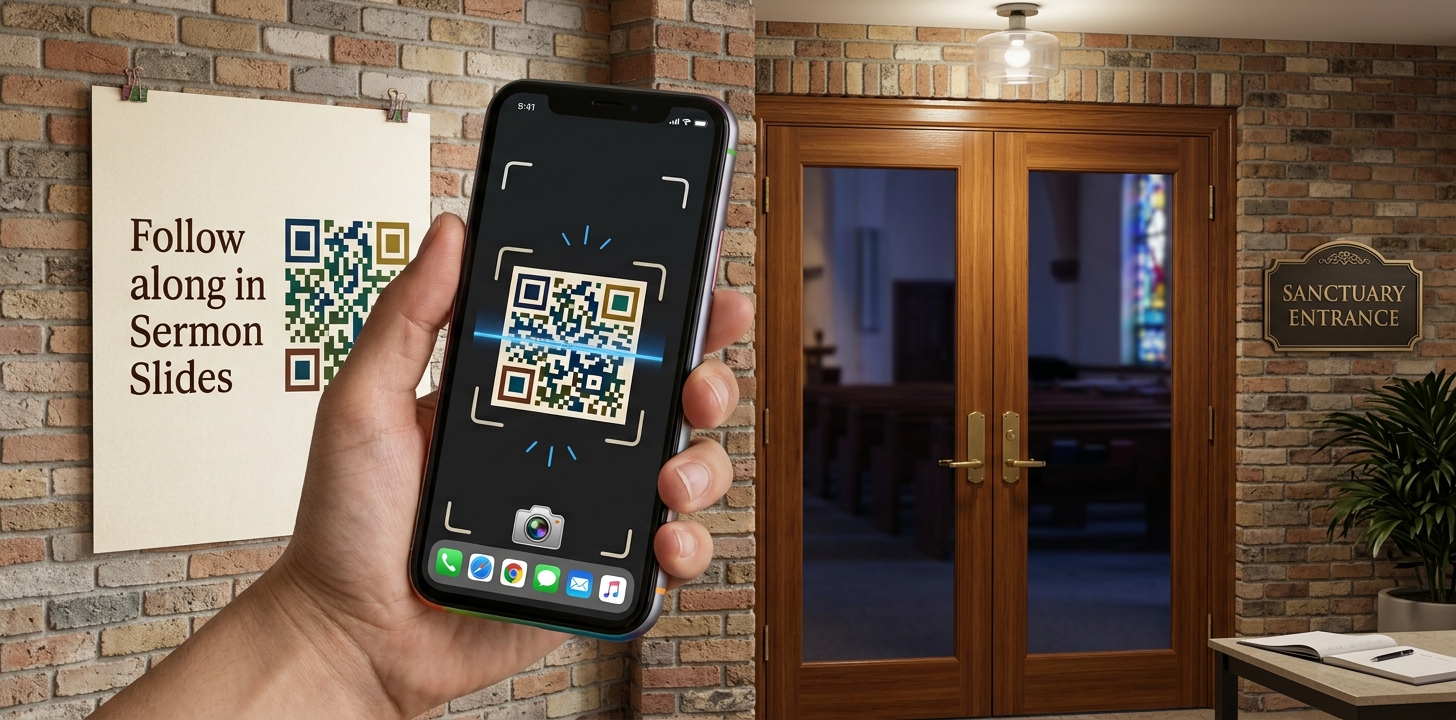
Click, or scan it, and either install the app, or view the slides on the web version.
Receive slides
As the slides show up on the screen, you should also be receiving them on your phone or tablet.
You can just watch them, scroll thru the history, or use your phone/tablet’s multitasking to use the slides in your notes or drawing app.
Sharing is caring
Did a friend miss service? Somebody come to mind with a quote?
Tap on that slide, and click the share button to share it thru text or your followers on social media!
Tune in next time
You don’t need to scan a link every week!
We built Sermon Slides to be simple. So, once you use it the first time, the room’s screen stays in the app ready for next time. Just open the app, choose the proper feed, and all the slides will show up.